
Free Project Planning Templates (Excel, Word)
Project planning is much easier when your scope, tasks, timeline, budget, risks, and updates are not scattered across emails, notes, and spreadsheets. This collection includes free project planning templates for project plans, charters, scopes of work, timelines, Gantt charts, budgets, resource planning, communication plans, risk assessments, meeting minutes, action logs, decision logs, and more. Browse the templates below and choose the one that fits what you are planning right now.


 ×
×
 ×
×
 ×
×
 ×
×




What You’ll Find in This Collection
Project planning is not usually handled with one document. At the beginning, you may need a project charter or scope document. Once the work is approved, you may need a task list, schedule, budget, or resource plan. As the project moves forward, meeting notes, status reports, decision logs, and change trackers often become just as important.
That is why this collection includes different types of project planning templates instead of one large one-size-fits-all file. Some templates help you define the project before work begins. Others help you plan the work, track updates, manage costs, document risks, or keep the team on the same page.
You can use these templates for business projects, client work, school assignments, nonprofit programs, events, operations, construction work, product launches, creative projects, and team-based tasks. The goal is simple: give you a starting point that is easier than building every planning document from scratch.
How to Choose the Right Project Planning Template
The best template depends on what you are trying to organize. If the project is still new, you probably need a project plan, project charter, or scope document first. These templates help you write down the purpose of the project, the expected outcome, the people involved, the main deadlines, and the limits of the work.
If the project has already been approved, you may be ready for a work breakdown structure, task list, or action tracker. These templates are better for turning the bigger plan into smaller jobs that can actually be assigned and followed.
If timing is the main issue, look for a project timeline, Gantt chart, milestone tracker, or schedule template. These are useful when you need to see how the work fits together across days, weeks, or months.
If money, staffing, or materials are part of the plan, a project budget, cost estimate, or resource planning template will be more useful. These templates help you put numbers and assignments in one place before the project starts moving too quickly.
If several people need updates, you may need a communication plan, meeting minutes template, project status report, or decision log. These templates are helpful when the project involves managers, clients, vendors, departments, volunteers, or any group that needs regular information.
If the project has unknowns, risks, delays, or several possible directions, a risk assessment, SWOT analysis, fishbone diagram, or stakeholder planning template can help you think through the issues before they turn into bigger problems.
Common Types of Project Planning Templates
A project plan can give you the overall picture, but most projects need a few supporting documents too. One file may define the scope. Another may track the schedule. Another may handle the budget. Another may record decisions or risks. The sections below explain the main types of templates in this collection and when each one is usually helpful.
Project Definition and Scope Templates
Project definition and scope templates are usually used at the start of a project. They help you describe what the project is, why it is being done, what the final result should look like, and what is not included.
This group may include project plan templates, project charter templates, project scope templates, and scope of work templates. These documents are useful when you need everyone to understand the basics before detailed work begins.
A project plan is usually the broader document. It may include goals, scope, milestones, tasks, resources, risks, and approvals. A project charter is often shorter and is commonly used to approve or introduce the project. A scope document goes deeper into the boundaries of the work, including deliverables, exclusions, assumptions, and requirements.
Task and Work Structure Templates
Once the project direction is clear, the next step is breaking the work into smaller pieces. This is where task planning templates become useful.
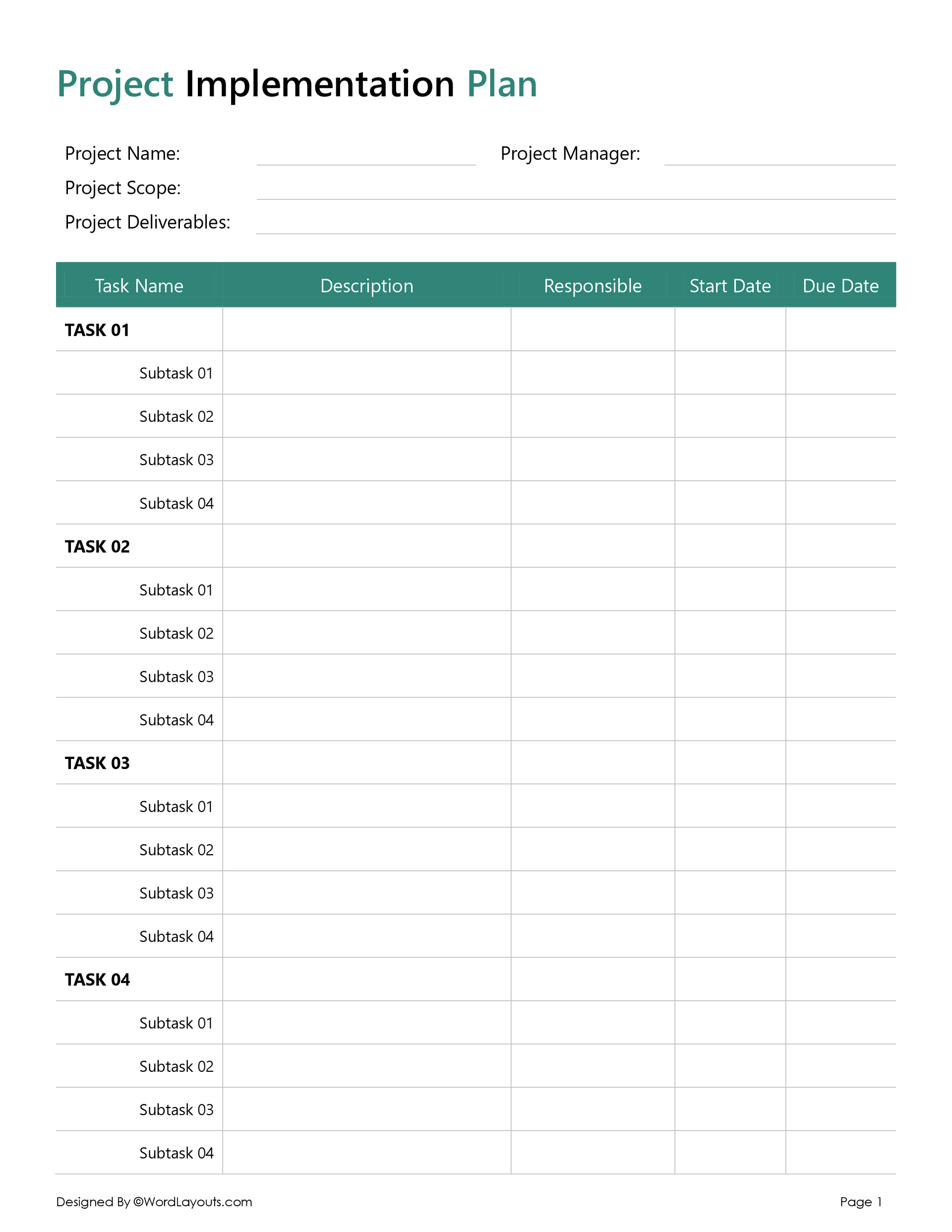
This group may include work breakdown structure templates, task lists, planning worksheets, action trackers, and assignment sheets. These templates help you organize the work, assign owners, set due dates, and follow progress without trying to remember everything from meetings or emails.
A work breakdown structure works well for larger projects because it separates the project into phases, deliverables, and smaller tasks. A simple task list is better when you need a quick way to track what needs to be done, who is doing it, and when it is due.
Timeline and Scheduling Templates
Timeline and scheduling templates help you see when the work should happen. They are useful when a project has deadlines, phases, dependencies, milestones, or several tasks happening at the same time.
This group may include project timeline templates, Gantt chart templates, milestone trackers, project calendar templates, and project schedule templates.
A timeline template is helpful when you want a simple visual overview of the project. A Gantt chart is better when you need to show task duration, overlapping work, and dependencies. A project schedule template is useful when you need a more detailed date-by-date plan.
Budget and Resource Planning Templates
Budget and resource planning templates help you organize the money, people, materials, equipment, and time needed for the project.
This group may include project budget templates, cost estimate sheets, resource planning templates, expense trackers, and staffing planners. These templates are useful before a project is approved, but they are also helpful during the project when you need to compare planned costs with actual spending.
A project budget template can help you list cost categories, estimated amounts, actual costs, and differences. A resource planning template can help you see who is assigned to the project, what they are working on, and whether the team has enough time or support to complete the work.
Communication and Reporting Templates
Project details change often. A communication plan helps define who needs updates, what kind of updates they need, and how often those updates should happen.
This group may include communication plan templates, project status reports, meeting minutes templates, stakeholder update templates, and reporting sheets. These templates are useful when the project involves several people and decisions need to be clearly recorded.
A communication plan is usually created near the beginning of the project. A status report is used during the project to show progress, completed work, next steps, delays, and open issues. Meeting minutes are helpful when discussions lead to decisions, assignments, or follow-up tasks.
Risk and Strategy Planning Templates
Risk and strategy templates help you slow down and think through what could affect the project before the work is already underway.
This group may include risk assessment templates, risk registers, SWOT analysis templates, fishbone diagrams, issue logs, and stakeholder planning sheets. These templates are useful when a project has tight deadlines, budget concerns, outside dependencies, approval delays, technical unknowns, or competing priorities.
A risk assessment template helps you list possible problems, rate their likelihood and impact, assign someone to monitor them, and write down response actions. A SWOT analysis helps you look at strengths, weaknesses, opportunities, and threats. A fishbone diagram is useful when you are trying to understand the possible causes of a problem.
Using Multiple Templates Together
You do not need one giant document for every project. In many cases, it is easier to use a few focused templates together.
For example, you might start with a project charter to define the purpose and approval details. Then you might use a scope document to describe the boundaries and deliverables. After that, a work breakdown structure can help you organize the work, a Gantt chart can help you plan the timeline, a budget template can help you estimate costs, and a risk register can help you watch for possible problems.
For a small project, you may only need a task list, a timeline, and a simple budget sheet. For a larger project, you may need several planning documents that work together. The right setup depends on the size of the project, the people involved, the approval process, and how much reporting is needed.
These templates are meant to give you a practical place to start. You can use them as they are or adjust the fields, sections, and layouts to match your project.
FAQs
What formats are available for these project planning templates?
The templates in this collection are available in different formats, depending on the type of template. Some are spreadsheet-based and may be available in Microsoft Excel or Google Sheets. Others are document-based and may be available in Microsoft Word or Google Docs.
Are these project planning templates editable?
Yes. The templates are editable. You can change the text, update fields, add or remove sections, adjust tables, and modify the layout based on your project.
Do I need project management software to use these templates?
No. These templates are designed for common tools such as Excel, Google Sheets, Word, and Google Docs. They are helpful when you need a simple planning document without setting up full project management software.
Why are some cells locked in the Excel project planning templates?
Some spreadsheet templates have locked cells to protect formulas, totals, date calculations, dropdowns, or other built-in parts of the file. This helps prevent accidental edits to areas that affect the template’s calculations or layout. However, you can unlock and edit them as you need.