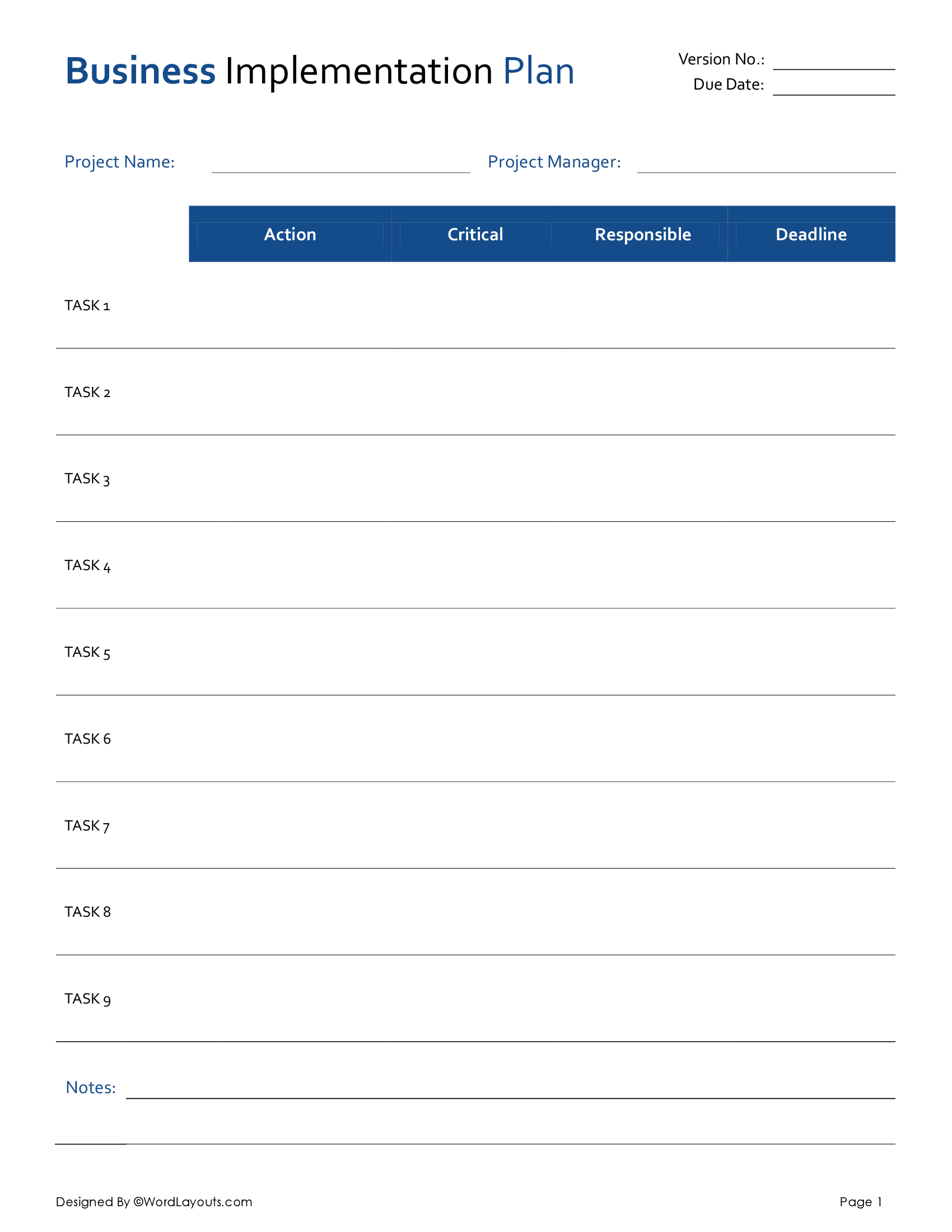



An implementation plan is like a battle plan that allows your team to transform a theoretical concept into a tangible reality. Project managers can use our free Implementation Plan template to monitor this implementation process, and report back to stakeholders. This requires them to identify, coordinate, and direct project resources (both material and human) in a timely and cost-efficient way. All these efforts are purposefully geared toward yielding a project’s intended results or outputs, say, a service or a product.
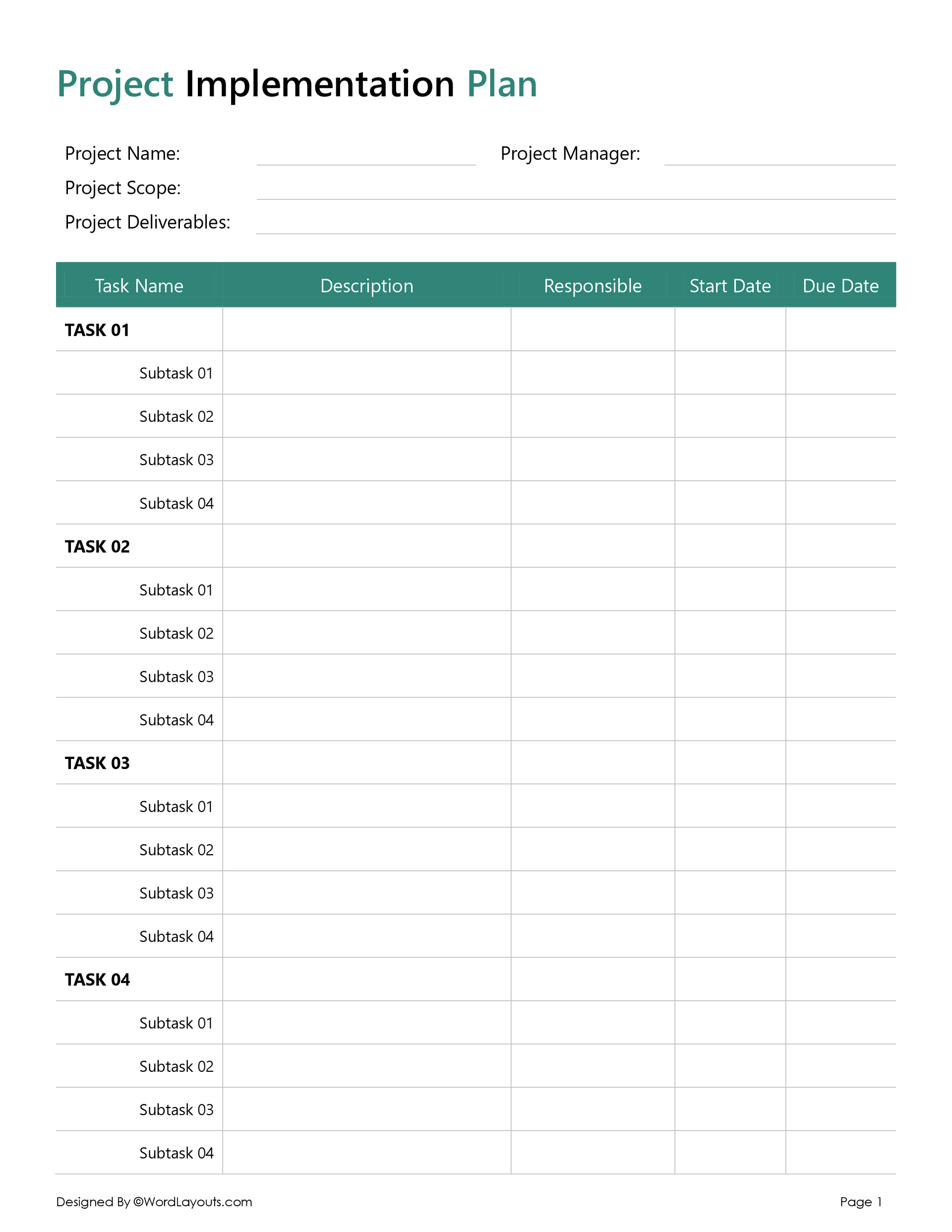
In our template, we take a task-centric approach to implementation planning. Each task is divided into numbered subtasks and assigned to a relevant member or unit of the team. A time frame is then defined for the responsible personnel to do the needful – all in all, allowing project managers to plan project activities in a systematic way, and make sure a project is running smoothly on its course as set out in the project framework.
Now, let’s see what’s inside our Template:
Project Overview
Right at the top of our template, we identify details such as the project name and the person responsible for overseeing all phases of the project (usually, the Project Manager).
We then ask you to define the scope of the project using a single, comprehensive, and clear statement that captures the project’s objectives, deliverables, timeline, and budget.
For example, for a project related to a mobile app, the project scope statement will be something like this: ‘This project includes app development, testing, and launch by 30% by 31st December 2025 within a total budget of no more than 10,000 USD’.
Lastly, we add a separate space for you to identify key project deliverables. These are the tangible or intangible outcomes of all the tasks of the project. For a software design project, deliverables can include things like a product prototype, a strategic report, and a usability report.
The Mainsheet
Identifying and describing sub-tasks
In this column, you divide each task into a set of more specific components called sub-tasks. Whether you’re leading a small team or managing a cross-functional one, you need to learn how to manage subtasks effectively if you want to successfully execute a project.
Each sub-task is numbered and briefly described allowing you, as project leads, to direct your team’s workflow in the direction of task deliverables.
Feel free to use our Prioritization Matrix template to prioritize sub-tasks in light of their impact and the effort needed to complete them.
Responsible
One of the main reasons for dividing a main task into subtasks is the need for varying skill sets and expertise levels for different activities. Assigning each sub-task to a relevant member or unit of the team ensures task accountability and allows project management units to coordinate between multiple subtask owners in case of any delays, clarifications, or challenges.
Start and end date
Having a deadline for each subtask helps you get work done more efficiently. That’s why these two columns are the heart of most project planning documents, as they place every actionable step inside a time frame, ensuring the project delivers on time.
First, we identify a start date which is when you expect responsible sub-task owners to start working on a particular subtask. This may be decided based on the level of priority you assign to each or the logical sub-task dependencies that connect each subtask or task to the next.
In the case of end dates, remember to not be overly ambitious as you want time frames that are bold enough to create a sense of urgency for your team while still being realistic.
Wrap Up
By breaking down each project goal into smaller, more manageable units of work assigned to the relevant human resource – a well-implemented project brings you closer to your intended deliverables, making this phase of a project the most critical and rewarding one to plan for.
At WordLayout, we have developed a series of Implementation Plan templates catering to the needs of different types of projects. From marketing strategies & business plans to resource and budget implementation plans – we’ve got you covered regardless of the nature and complexity of your project. Click here to check out our complete collection of implementation plan templates, or maybe even learn to make your own!
To make them easy to use, our templates are available in multiple file formats, including Microsoft Word for easy editing, OpenDocument (ODS) for compatibility with various word processors, and Google Docs for cloud-based sharing and collaboration.