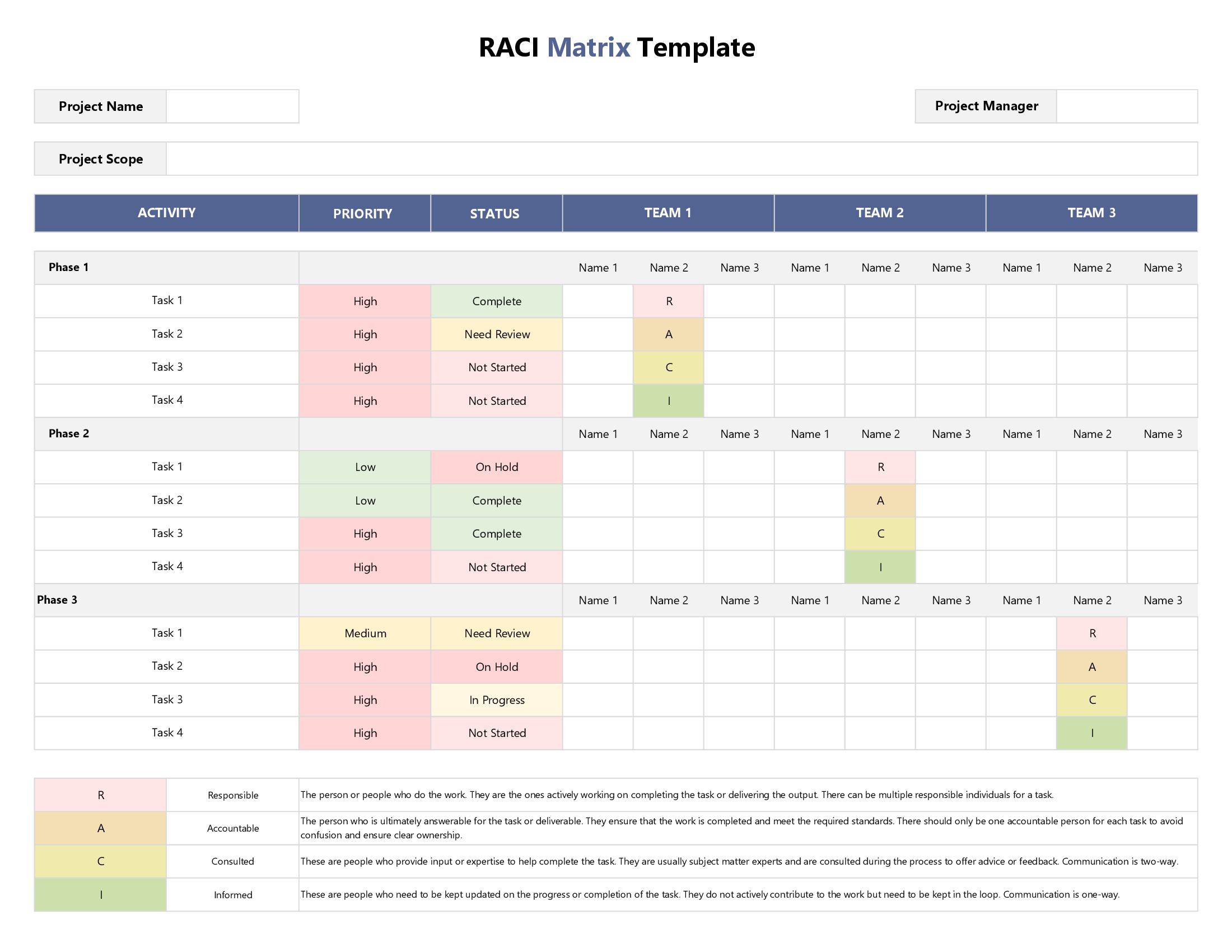
This RACI Matrix template is ideal for mapping the work of a complex project with lots of interconnected stakeholders, tasks, and milestones. Based on the popular RACI framework of assigning roles & responsibilities, you can use this template to set clear expectations when it comes to the question of who is doing what. First up, enter the name of your project (plus version if necessary) in the top-right column of our template. Then identify the person in charge of your project’s planning, execution, and review (or the project lead).
Once you have these basic details out of the way, you need to list down all the specific action items, tasks, or deliverables of your project in the first column of the spreadsheet. Unlike other templates where tasks are categorized by phase, in this template – we use no such categorization. Once nail down your task list, you need to identify all individual project roles that will be working on it.
Unlike other templates where we understand stakeholders to be individual persons or specific teams, in this template we use the generic category of roles. For example, in a software development project – your roles will be developers, coders, and designers. With our editable template, you can add as many roles as you need for your project. Once you’ve done this, its time to put the RACI framework to good use.
Assign a specific RACI task ownership level (Responsible, Accountable, Consulted, and Informed) under each project role for each specific task or activity. We use drop-down menus to allow you to do this using the single letters R, A, C, and I – keeping your grid neat and easy to read.
In the last two columns of the template, we add two additional details to help you plan more effectively. First up, you get to assign a specific priority level to each task by assessing its importance in light of overall project goals or client demands. Our drop-down menu lets you choose from three options: ‘High, ‘Medium’ and ‘Low’; however, we have added a configuration sheet in case you want to use different categories to suit your project context.
Next up, we add the last column to help you specify deadlines for each task. As every project manager knows, deadlines are the guiding stars of project management. By assigning a deadline to each task, you can effectively plan and track the progress of your tasks once the project is on the move.