


Once you’ve nailed down a formal plan and strategy for a new business venture, it’s time to get your project moving. To do this, you need a business implementation plan that identifies and tracks the specific steps and actions you need to take in order to achieve a desired business change.
In other words, it helps employees understand their respective roles and responsibilities. This makes sure everybody understands what’s been done, what is being done, what needs to be done, and who needs to do it. For this reason, it’s a critical resource for business and project managers who want to make sure teams execute work in a way that you can meet your business objectives faster and more efficiently.
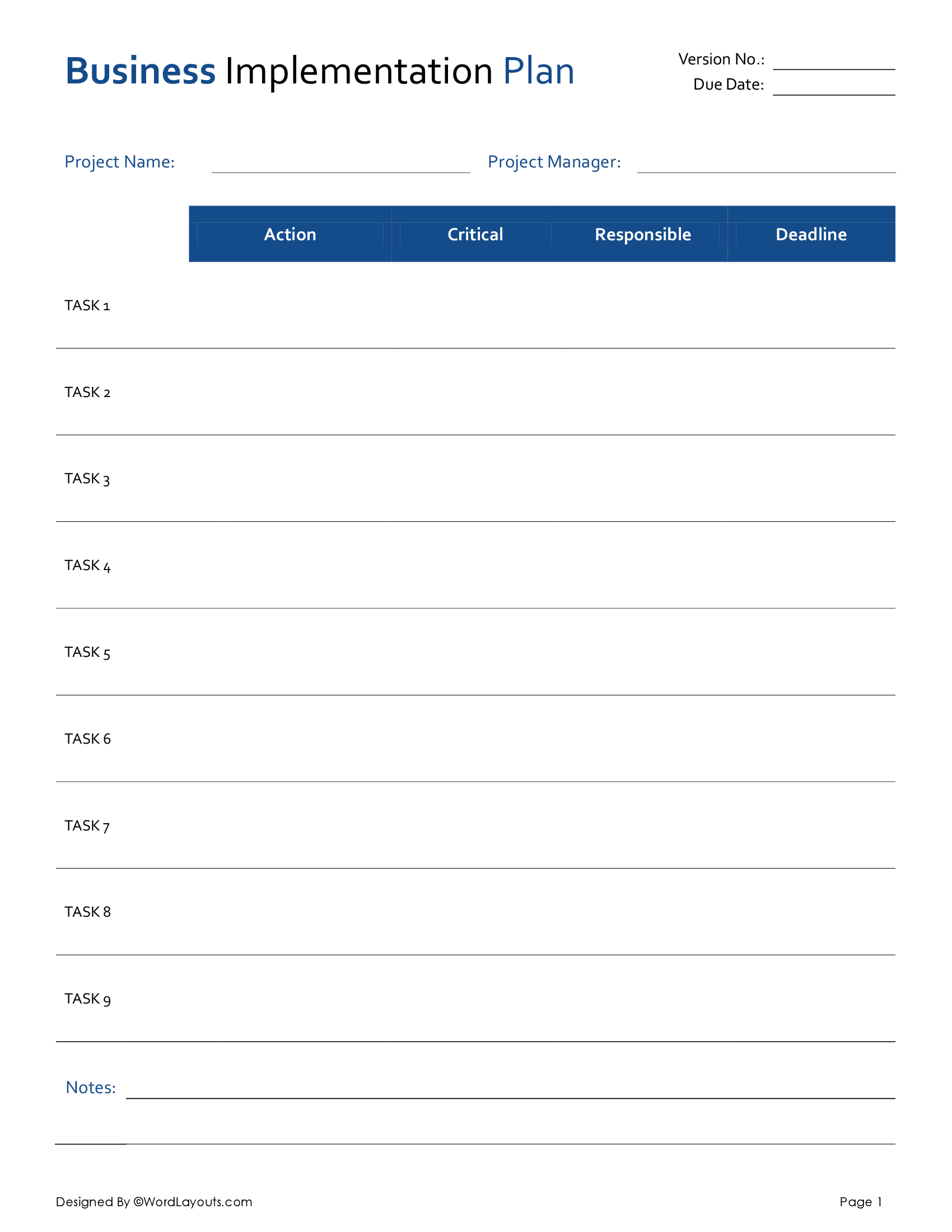
In our free, print-ready template, we adopt a task-centric approach to implementation planning. Each project is divided into numbered tasks and assigned to a relevant member or unit of the team. A deadline is then defined for the responsible personnel to do the needful, allowing companies to gauge if a business project is running smoothly on its course as set out in the business plan.
To ensure your tasks are completed in a budget-friendly and financially responsible way, you are advised to use this template in tandem with our Project Budget and Budget Implementation Plan templates for greater cost-efficiency!
Now, let’s explore our template in more detail:
Project Overview
Right at the top of our template, we identify details such as the project name and version (in case of a periodically extended project).
You should also identify the person responsible for overseeing the planning, execution, and closing of the project (usually the Project Manager) as well as define a specific due date for the deliverables.
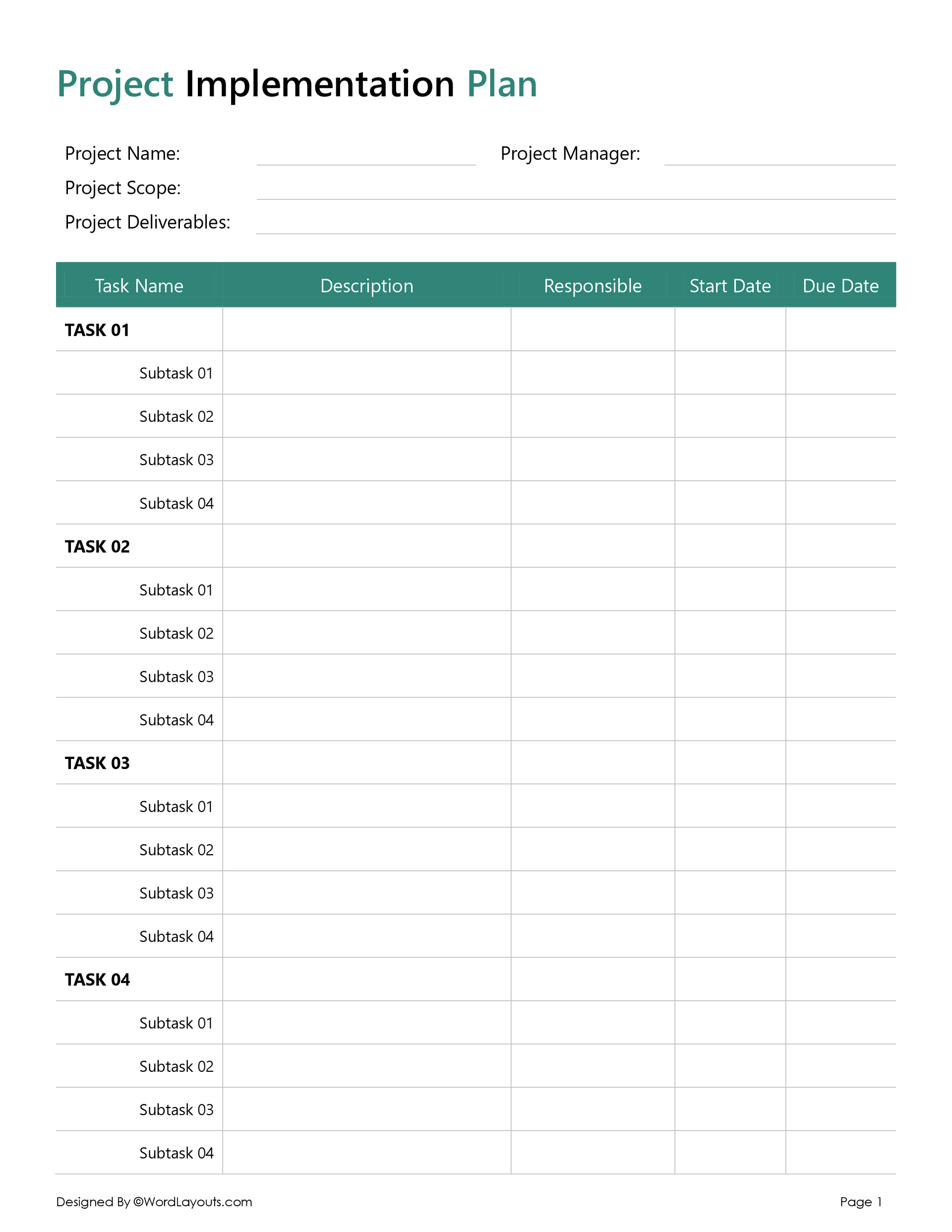
Task Name & Description
Every business process or operation is based on multiple units of work (or tasks) working in tandem with each other. From content creation and web development to customer service, the success of your business depends on how well you formulate, prioritize, and pull off your task list.
We use a numbered list of tasks in our template against which you add a brief description of what the task entails. For example, if the task is ‘Content Creation’, under the Description Column, you will write: ‘Create and publish 5 informative videos about the product on social media’.
Responsible
One of the main reasons for dividing a project into specific tasks is the need for varying skill sets and expertise levels for different activities. Assigning each task to a relevant member or unit of the team ensures task accountability and allows the project manager to coordinate between multiple task owners in case of any delays, clarifications, or challenges.
Deadlines
Whether you’re developing a new product, or undertaking a complex construction venture – you need a clear and viable deadline for each task to make sure you meet your targets on time.
In this column, you assign a specific deadline to each task. For project leads and stakeholders, this can offer a quick, high-level view of the entire project to make sure that team members are producing task deliverables at the pace set out in the Project Action Plan.
Wrap Up
And there you have it! A simple template you can easily customize to the needs of commercial projects of any nature, size, or complexity. Remember, you will need different plans for different areas or stages of your business plan, such as product development, marketing, hiring, administrative operations, sales, etc.
If you are promoting a product or service to your target audience, download our Marketing Campaign Implementation Plan to help you streamline and monitor your marketing efforts.
To make them easy to use, our templates are available in multiple file formats, including Microsoft Word for easy editing, OpenDocument (ODT) for compatibility with various word processors, and Google Docs for cloud-based sharing and collaboration.