
Free Stylish Bookmark Templates
Add a personal touch to your reading with our free, fully editable, and print-ready bookmark templates. Easily download in your preferred format or edit online to make it uniquely yours.


 ×
×
 ×
×
 ×
×
 ×
×
 ×
×


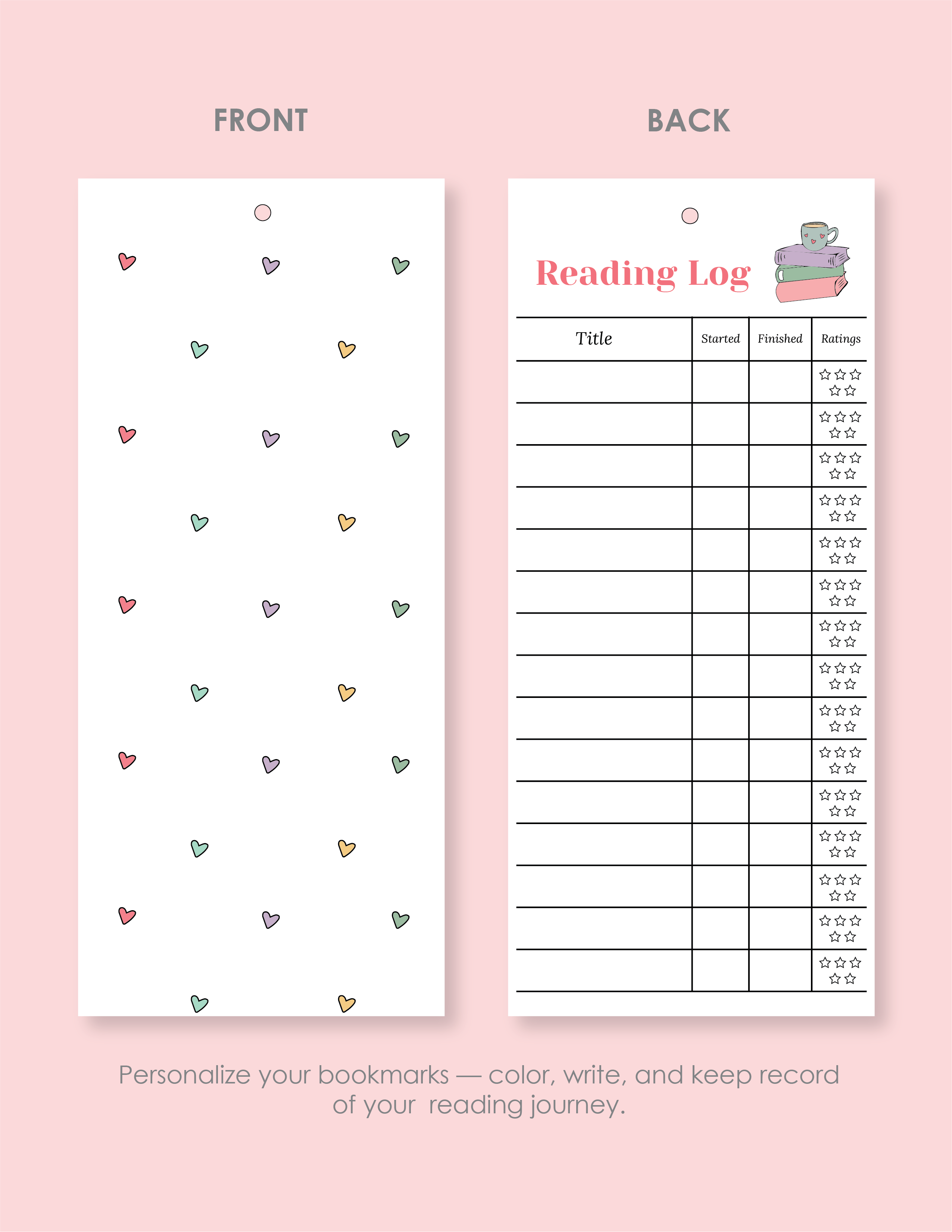


If you love books or run a classroom library, having the right bookmark makes reading even more enjoyable. Whether you want something simple, stylish, or fun, we have a collection of free bookmark templates you can personalize to match your style.
You can pick from clean and minimal designs, colorful patterns, or themed illustrations. Each template is easy to edit, so you can add your favorite quotes, images, or even a personal touch for gifts and classroom use. Once you’re happy with your design, just print and use—no hassle, no extra steps.
FAQs
Are these templates free and editable?
The bookmark templates are completely free and easy to edit to suit your needs. You can customize the text, graphics, colors, and other elements in the template.
Are the bookmarks compatible with all of the printing methods?
These bookmark templates are compatible with most standard printing methods. You can also download them for Adobe Illustrator if you want enhanced customization and high-definition printing.
Can these bookmark templates be used both online and offline?
We have provided the templates in multiple file formats that allow you to edit them online or download and edit them offline. For example, you can edit Google Slide versions online, while you can download Microsoft Word and Adobe Illustrator versions for offline editing.
Is it possible to add personalized images or artwork to the bookmark templates?
Yes, many of our templates allow you to add custom images or artwork to customize your bookmarks further. You can replace the graphics that have already been added with your new ones.
Is it possible to resize or scale the bookmark templates while maintaining the quality?
Yes, it is possible to resize or scale bookmark templates while keeping the quality intact. However, you should make sure to maintain the aspect ratio to prevent any distortion. Also, when scaling up, be mindful of the resolution. If you’re using the Adobe Illustrator file for edits, it has a high resolution, it will likely scale well without losing quality.
Are the bookmark templates compatible with double-sided printing?
Most of the templates are designed for double-sided printing, with layouts that align content on both sides. However, it’s a good idea to check the template’s specifications to make sure everything lines up correctly.
