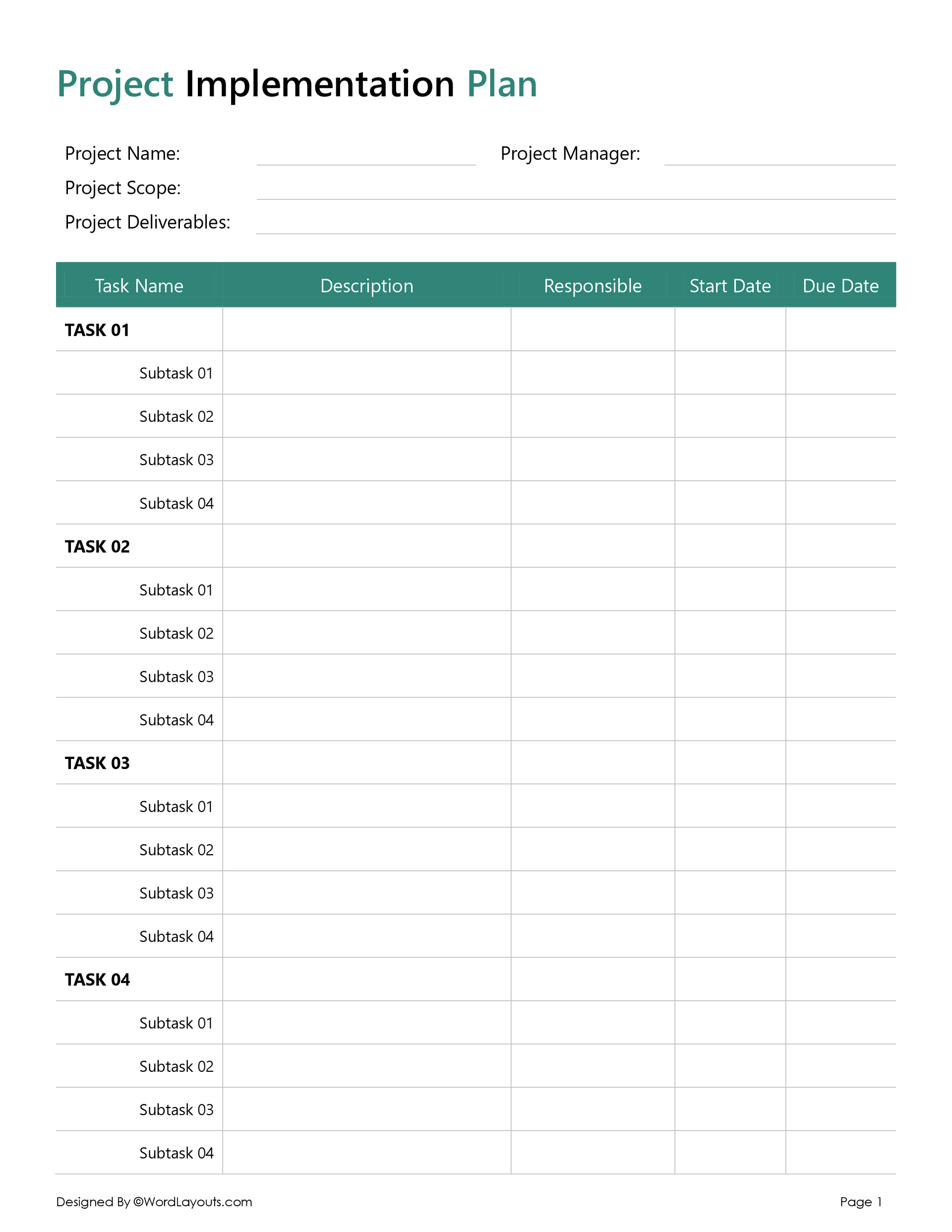
A project summary is a document that captures the key elements of a project. From work milestones, implementation timelines, and budget estimates to the project’s core purpose, a well-rounded summary organizes project information for you, your stakeholders, and, of course, our boots on the ground – the project team.
But how do you go about structuring such a document? Well, that’s exactly where we step in. Using our project summary template, simply fill out the dedicated sections, and voilà! You have a comprehensive, bird’s-eye view of your entire project.
Now, you must be wondering – at what point in a project lifecycle do I need to create a project summary? For the most part, summaries are created during the project pitch, explaining why you believe the project is worth executing.
That said, you can also create one halfway to apprise stakeholders of results so far against your original project plan. Either way, a project summary acts as a quick reference guide for stakeholders, steering them towards more informed and responsive decision-making as the project moves along.
Is a project summary the same as a project status report?
Despite covering similar information, there is one key distinction between a project summary and a project status report. While a summary provides an overall, forward-looking plan for the project (usually at the proposal stage), a status report is primarily designed from a tracking point of view to create a high-level summary of your project at a specific point in time (during the execution stage).
What’s Included in a Project Summary?
Whether you are developing a summary to sell a project or track one, the first thing you need to do is supply basic info, such as project name and ID, as well as the names of the project supervisor and manager.
Once this is out of the way, you can expect to fill out more detailed and reflective sections.
Below, we set apart these sections by project phase:
Initial planning (or proposal stage)
- Project Purpose – The “why” behind your project.
- Project Objectives – Clear, measurable, S.M.A.R.T-based goals.
- Scope of Work – Task lists and constraints to action.
- Project Deliverables – Key outputs of your project.
- Resource Plan – Required personnel, equipment, and tools.
- Key Stakeholders – Roles & Responsibilities.
- Project Budget – Accounting of estimated and actual costs.
Managing
- Risks & Mitigation Strategies – Anticipating and managing risks.
- Change Requests – Managing changes to scope, budget, or schedule.
Tracking
- Project Schedule & Milestones – Timeline, tasks, and milestones.
- Overall Status – Project health (on track, delayed, etc.).
Now, let’s explore our template in a bit more detail…
Project goal setting
In the first few sections of our template, you want to focus on giving your project a bigger purpose, but also specific, measurable goals you can work towards.
Going section-wise…
Purpose
Use this section to identify the high-level purpose or justifications of your project. For software companies working on developing a more user-friendly smartphone app, this effort must also be connected to a broader business objective; for example, the company wants to focus on improving its customer experience.

Objectives
Now, let’s get down to the specifics. When it comes to actually setting goals, it’s important to balance your aspirations with reality. Use this section to formulate goals that are clear, specific, and measurable. This makes your goal easy to understand and focused, while also allowing other members of your team to monitor your progress.
And since you’re at it, why not check out our SMART framework to create more effective action plans and set ‘smarter’ goals with our pre-formatted template!

Deliverables
Use this section to list down key outputs or tangible results your project is expected to deliver by closeout. Your deliverables should align with your bigger purpose & objectives, serving as evidence of your progress against them.

Project Schedule & Milestones
This section creates the roadmap of your planned work. By consolidating granular data about each task or deliverable, a project schedule makes sure things are happening at the right pace, being done by the right people, and proceeding in the right order!
Based on our research, a good schedule is one that:
- Sets realistic timelines
- Includes buffer time for delays
- Anticipates risks and disruptions
- Keeps workflow organized
- Ensures steady cash flow
- Maintains safety and quality standards
- Supports clear communication
In complex, large-scale projects, especially ones in the construction world, you will need a more visual and automated roadmap of who is doing what, where, when, and in what order. To that end, feel free to use this prebuilt spreadsheet to create a live schedule of your project!
Project Budget
This section helps you break down the costs associated with each task. Developed during the planning phase, a budget is your financial blueprint, where you estimate, implement, and gauge your project costs.
Use this section to account for all kinds of material or labour costs you will incur. From the cost of hiring labor, subcontractors, and vendors; to procuring materials such as office equipment, raw materials, and machinery; buying software licenses and regulatory permits, as well as paying for utilities, office space, and administrative overheads, among many others.
Remember, the more accurate your budget forecasts, the more likely you are to deliver a successful project. For a more detailed budget document, feel free to use our Project Budget template to track your project budget at the task level and identify projections in real time!

Resource Plan
A resource plan answers the very critical question of just how much money is going in and where exactly it is going.
You can use this section to identify and allocate the resources you need. Effective resource planning is crucial, especially for bigger projects involving huge sums of money and hundreds of workers.
For a more detailed resource plan document, check out our designer-developed template to help you avoid shortages (or even excesses) while making sure you can monitor & adjust resources along the way.

Risk & Mitigation Strategies
A well-planned project is prepared for the worst, from typhoons to cybersecurity risks – we mean literally, everything!
This section helps you identify which risks apply to you. They may be ones you expect to face (if you’re writing a summary at the proposal stage), or those you are facing in real time. You can use common risk categories like operational, financial, environmental, reputational, compliance, and cybersecurity risks to summarize your risk landscape!
In this section, we further ask you to proactively lay down preemptive strategies and response plans to mitigate the impact of these risks. For example, if you are facing the risk of critical project-related data, your mitigation strategy will be to create a backup system to protect this data.
Needless to say, mitigation plans are crucial for minimizing disruptions to your internal operations and processes.
To create a detailed risk management plan, feel free to use our Risk Register alongside our Risk Prioritization Matrix to prevent unforeseen project delays and make sure everything is happening in line with the original plan.

Change Request
No matter how diligent you are, things don’t always go to plan. Employees resign, payments are delayed, and sometimes even the scope of your project can shift mid-way.
This section is usually helpful if you’re making a summary midway through a project. Use this section to identify and track any changes to your scope, design, schedule, or budget. From small, relatively easy adjustments in a task timeline to large, complex alterations in your scope, this is where you record, assess, and approve each project change.
Our template also directs you to identify the person or team approving each change. Approving parties are normally ones in senior management or ownership positions, such as project managers, investors, or domain experts.
You can use our Change Request Form alongside our Change Management Plan to create a streamlined process designed to initiate, analyze, review, approve, implement, and track project changes in a structured way.

Overall Status
This is the most conclusive section in our template. Based on when and under what conditions you’re creating this summary, this section helps you identify the overall status of your project.
Our template gives you four options to choose from:
- Not started
- On track
- Delayed
- At risk
If you are developing the summary at the proposal stage, you will naturally select the first option (Not started).
If your project is facing more serious trouble, say, funds are running low, or major milestones are still unmet, select the fourth option – providing a more detailed analysis of the situation below.
Most ‘At Risk’ projects share these tell-tale signs:
- Deliverables are not meeting quality standards as outlined in the planning documents.
- You’re short on critical resources like funds or equipment.
- Critical deadlines (or milestones) are missed.
- Delays, challenges, and disruptions at the task level.
- External factors, beyond your control, are affecting your outcomes.

That brings us to our last section…
Additional Insights
We inserted this space at the end so you can add any special comments, remarks, or observations you have which don’t fall into any of our default section categories.
Use this space to talk about unforeseen challenges or setbacks you faced so far, areas where adjustments are needed, or clear, actionable takeaways you think are needed for a successful project outcome.

What Do We Offer?
At WordLayout, we have developed a project summary template that is 100% customizable, allowing you to use it for any project, regardless of its nature, size, or complexity.
By using a predefined structure, you get to standardize and streamline your planning process. In other words, we save you hours in research, design & formatting work.
Our free & fillable Project Summary template can be quickly downloaded in Word & Google Docs formats.
Use it in print or online. Start adding your project’s unique information under each section, as instructed. You can also customize our default section headings & description, or change the fonts, colors, and backgrounds as per your needs & preferences.
Who Is Our Template For?
- Project Managers
- Project Sponsors
- Team Members
- Stakeholders
Wrap Up
Whether you are a professional project manager who wants to update senior execs or a private financial investor weighing out future projects to invest in, a well-crafted summary can help you analyze project information so you can make more informed and rewarding decisions.
To sum up, a project summary is a structured document designed to capture key project details in a digestible format. It helps you plan, execute, monitor, and control project activities and ensures accountability and transparency throughout the project lifecycle.
Use our pre-built template to document and communicate key project details from the point of kick-off to closure!