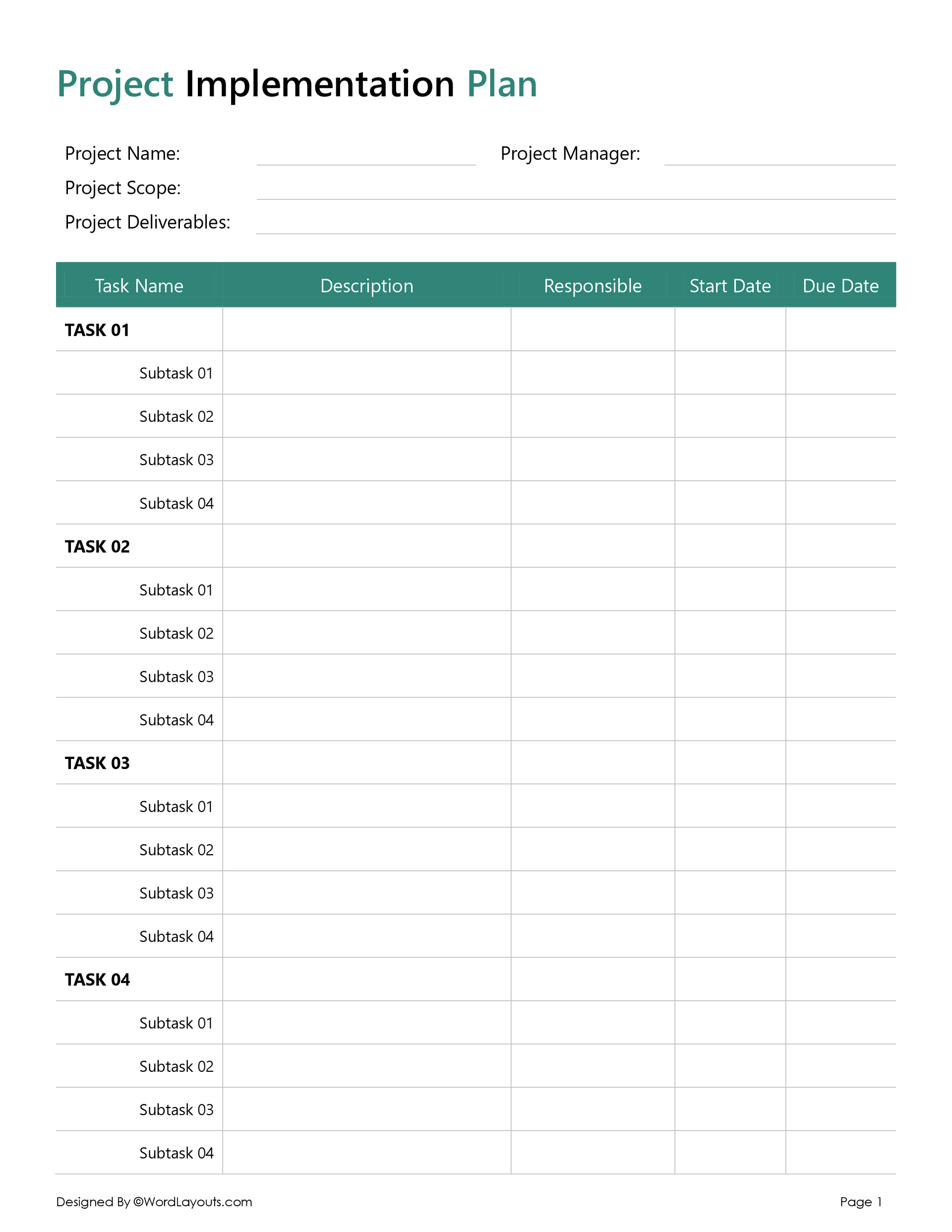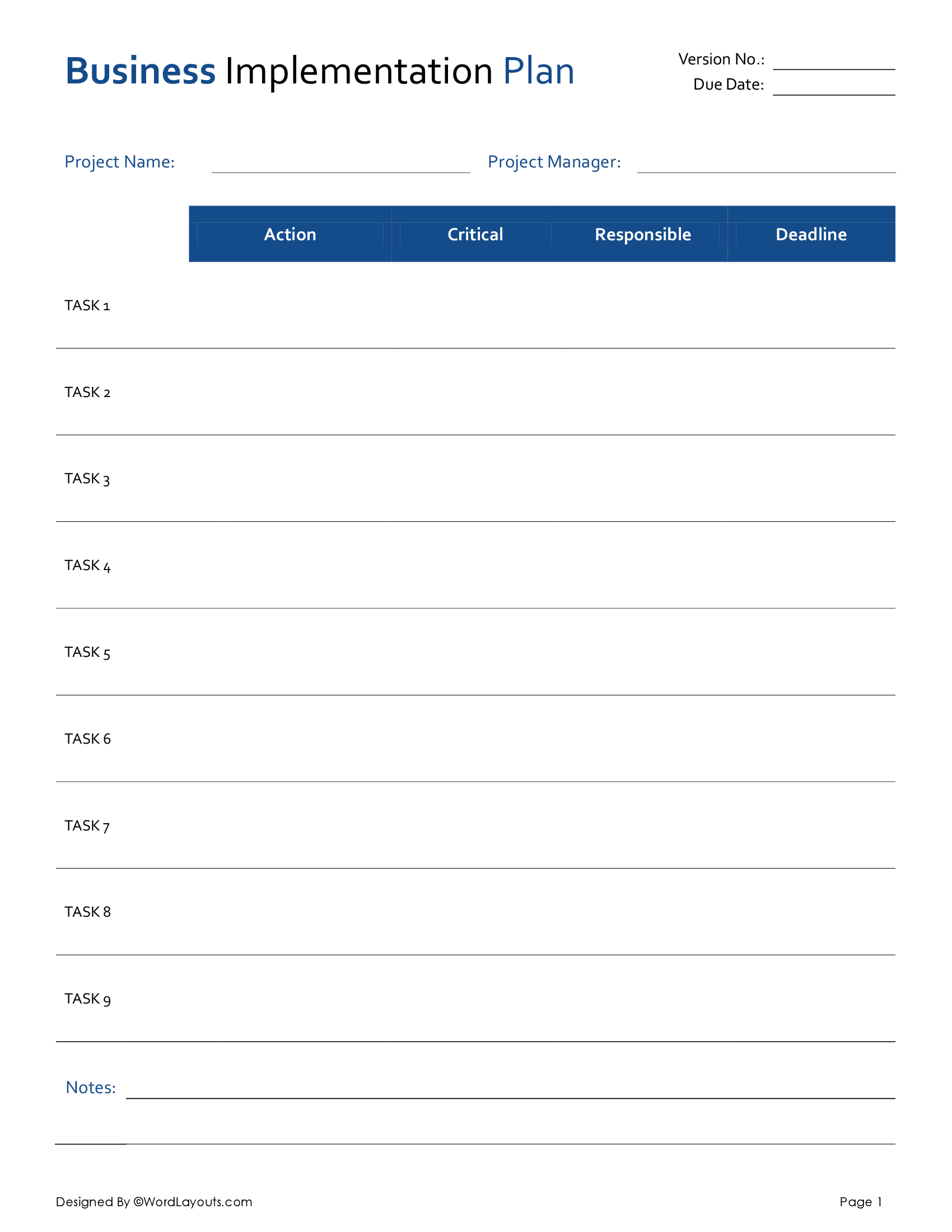
This project timeline template is designed to present project schedules across 12 months. To plan your project, replace the placeholder task names with your actual tasks, and adjust the horizontal bars across the months to indicate when each task will run.
How to Customize this Template for Your Project
You can tailor the template to your requirements in various ways. For instance:
- You can adjust the bar lengths by extending or reducing the colored cells.
- The bar colors can be changed to differentiate between teams or priorities.
- You can also add new rows if you want to present any additional tasks or delete unused rows.
- It is also possible to add any milestone markers (e.g., bold symbols or icons) in the template to highlight key deadlines.
- Since it is a table, you can modify it by adjusting borders, cell spacing, or header colors to match your branding.
When to Use this Yearly Project Timeline Template
- For annual or long-term planning, such as for board meetings
- In reports or publications, when you need a static timeline, such as your company’s annual report for stakeholders.
- For your presentation to give clean visual information about your project’s schedule.
- For proposals or funding requests where a simple timeline is required, such as in RFP responses.
- You can also use it for training or educational plans to give an overview of the course.
This Yearly Project Timeline template is available in Microsoft Word, Google Docs, and ODT formats.
Download this template now to create a visually appealing timeline for any strategic discussion!